
- Click the following button which brings you right into Microsoft Teams:
Install in Microsoft Teams - Press Add.
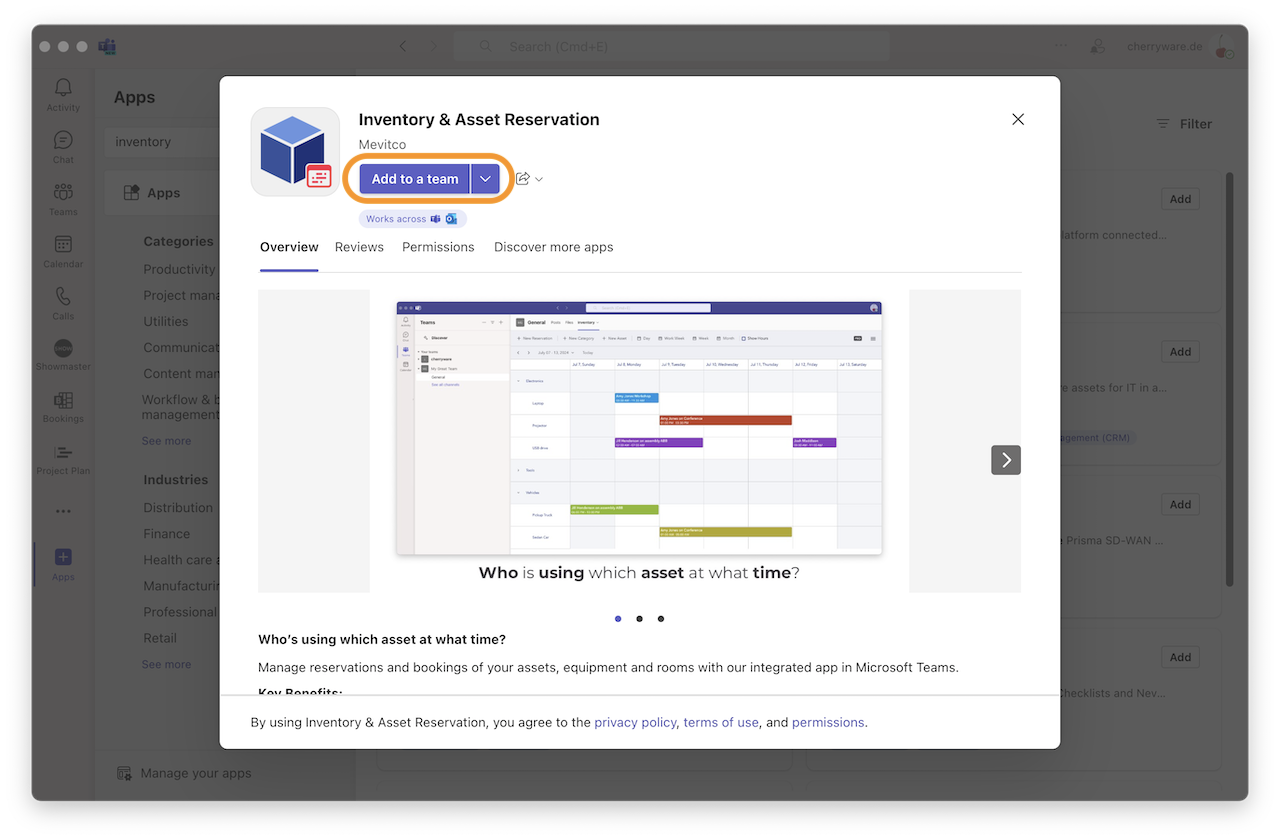
- Select a team and channel where you would like to add Diagrams and press Go.
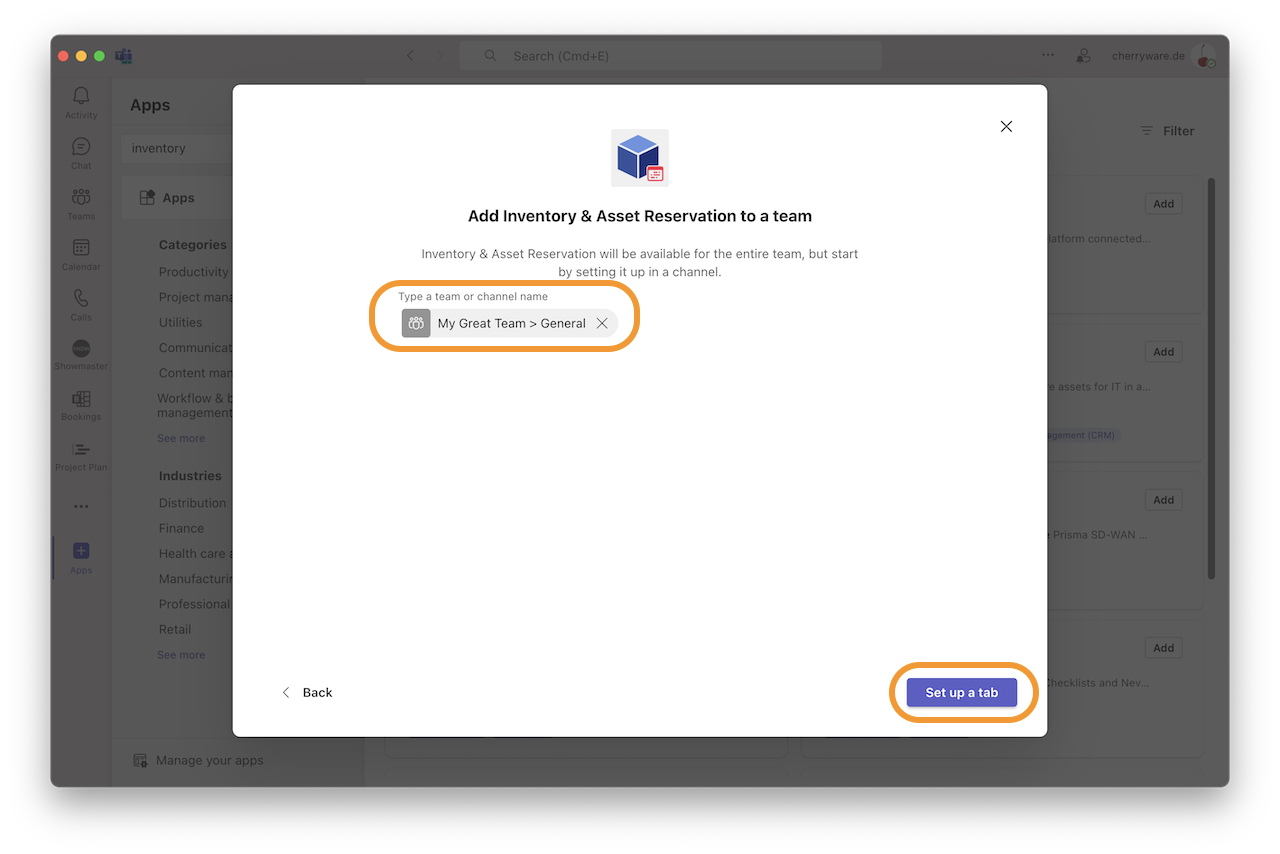
Done!
Please contact us if you have any questions or need help with the installation.